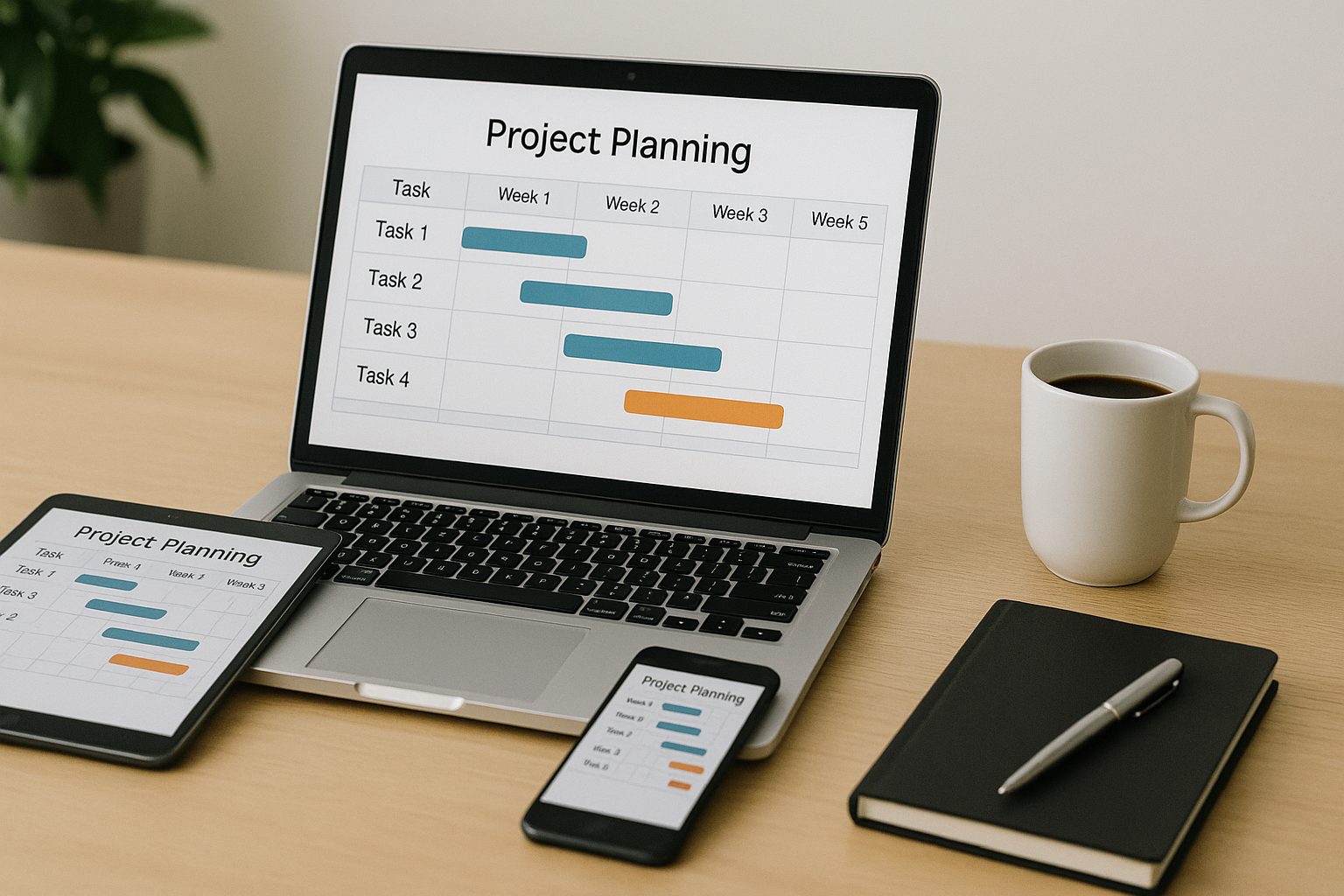
Why Smart Project Planning Software Helps Small Teams Achieve More
Even small teams are expected to deliver big outcomes, and for office managers juggling daily operations, task coordination, schedules, vendors, and team communication, things can easily become overwhelming. This is where project planning software becomes a game-changer. These tools simplify how tasks move from planning to completion, help you organize workflows, and ensure every team member stays aligned without constant check-ins or long email threads.
For office managers, choosing the right system is more than just convenience—it becomes the backbone of smooth task management, clearer communication, and better collaboration. Tools like Asana, Trello, Basecamp, and Monday.com give even the smallest teams the structure they need to stay efficient and productive.
At Gallop Technology Group, we assist small teams in implementing secure, efficient technology solutions that support better workflows and smoother day-to-day operations. While we do not set up project planning tools directly, we help ensure that your technology environment is secure, protected, and optimized so your team can safely use the best project management tools without cybersecurity risks slowing you down.
How Project Planning Software Boosts Office Productivity
Project planning software is more than a digital checklist. It centralizes your team’s work, tasks, files, and updates so nothing gets lost or forgotten. For busy office managers, it removes the heavy lifting from manual tracking and replaces it with automated reminders, dashboards, and shared timelines.
Some of the key benefits include:
- Centralized communication – Team conversations stay organized in one place rather than scattered emails.
- Real-time task management – Office managers can assign tasks, track progress, and stay updated without micromanaging.
- Clear deadlines and milestones – Everyone knows what needs to be done and when.
- Simple collaboration with remote staff or contractors – Tools help maintain transparency even across multiple locations.
- Document organization – Files, SOPs, and reports stay accessible inside the project instead of buried in drives or inboxes.
With the right platform, even a team of three to five people can operate with the efficiency of a much larger department.
Top Project Tools Office Managers Should Consider
Below are the most popular platforms and how they apply specifically to office managers running small teams. Each option supports task management differently, so your decision depends on your workflow style, project complexity, and collaboration needs.
Asana: Flexible, Visual, and Great for Organized Office Managers
Asana is one of the best project management tools for office leaders who want clarity and structure. Designed with flexible views—lists, boards, timelines, and calendars—it makes it easy to understand what every person is working on.
Key Features:
- Task Assignments & Dependencies
Perfect for office managers coordinating tasks across multiple roles. You can set who does what, in what order, and when.
- Project Templates
For recurring office processes like onboarding, event planning, supply orders, or content approvals.
- Workload Management
Helps prevent burnout by showing who is overloaded and who has capacity.
Best For:
Office managers who juggle many moving parts—deadlines, approvals, meetings, vendor coordination, and internal tasks.
Trello: Simple, Visual, and Easy to Learn
If your team loves visual organization, Trello is a strong choice. Its Kanban board layout shows tasks as cards moving from “To Do” to “Doing” to “Done.” Clean, simple, and fast.
Key Features:
- Drag-and-Drop Boards
Great for office managers planning events, scheduling tasks, or tracking ongoing responsibilities.
- Power-Ups (Integrations)
Add apps like Google Drive, Slack, or CRM tools to enhance functionality.
- Butler Automation
Automates repetitive actions—perfect for recurring office tasks.
Best For:
Creative teams, office managers overseeing multiple small projects, and teams that want a clean, simple system with low learning curve.
Basecamp: All-in-One Communication Hub
Basecamp is ideal for office managers who want fewer tools and more simplicity. Instead of juggling email, chat, and documents, Basecamp pulls everything into one central hub.
Key Features:
- Message Boards & Chats
Keep team communication clear without endless email chains.
- To-Do Lists
Track tasks with due dates and leave comments for updates.
- Docs & Files
Upload important documents like SOPs, HR forms, and shared files.
Best For:
Teams that want structure without complexity and office managers needing a simple communication + task management tool in one.
Monday.com: Customizable Workflows for Busy Offices
Monday.com acts more like a fully customizable system rather than a traditional project tool. It’s great for office managers who want deeper control and automation.
Key Features:
- Highly Customizable Boards
Build workflows for requests, approvals, schedules, IT tasks, or inventory.
- Time Tracking
Helpful for tracking how long tasks or processes take.
- Strong Integrations
Connects with Teams, Slack, Zoom, and more.
Best For:
Tech-savvy offices or teams with complex workflows that need automation and full visibility.
Why Project Planning Tools Matter for Office Managers
Office managers sit at the center of communication, organization, and daily execution. Without a structured system, tasks pile up, deadlines slip, and communication gets messy. Project planning tools prevent these issues by:
- Reducing miscommunication
- Eliminating duplicate work
- Improving task accountability
- Minimizing bottlenecks
- Making workflows predictable
- Supporting remote or hybrid collaboration
When tasks are visual, deadlines are clear, and responsibilities are transparent, office managers can finally move from “reactive mode” to “organized and proactive.”
Remote Collaboration: How Tools Support Hybrid Work
Many small businesses now work with part-time contractors, remote employees, and outsourced partners. Project planning software ensures everyone stays aligned—even across time zones.
Benefits for Office Managers:
- Transparency – Everyone sees project status without constant check-ins.
- Clear expectations – Remote members know exactly what is assigned to them.
- Better coordination – Internal teams and contractors can work together without confusion.
- Secure collaboration – Platforms protect sensitive files and limit access appropriately.
Many tools also offer guest access, meaning office managers can control what external contributors can see.
How to Choose the Right Tool for Your Office
There is no single “best” choice—what matters is matching the tool to your workflow.
Ask yourself:
- How complex are our projects?
For detailed timelines, choose Asana or Monday.com.
- Do we want simplicity or customization?
Trello and Basecamp excel at simplicity; Monday.com excels at customization.
- What is our budget?
Trello has a strong free plan, and Basecamp charges a flat rate.
- Do we work with remote contributors?
Look for tools with guest access and permission control.
- Do we depend on integrations?
Monday.com and Asana offer strong integration options.

Best Practices for Office Managers Implementing a New Tool
Switching to a project planning system requires a strategy. Here’s how to ensure smooth adoption:
Onboard the Team
Introduce the tool, show key features, and explain how it will help daily work—not just leadership reporting.
Start Small
Begin with a few high-impact projects such as:
- Event planning
- Task assignments
- Content approvals
- Vendor coordination
- Office maintenance schedules
Set Clear Expectations
Define:
- How often tasks should be updated
- How communication will happen
- How deadlines should be handled
- Who approves what
Review and Improve
Hold weekly reviews to adjust workflows, catch bottlenecks, and refine your processes.
Empowering Office Managers With Smarter Project Planning Software
Project planning software can transform how office managers lead and organize small teams. It enhances communication, simplifies task management, and boosts team productivity—making every project run smoother and more predictably.
At Gallop Technology Group, we assist small businesses by helping them use technology more securely and efficiently. Whether your team uses the best project management tools like Asana, Trello, Basecamp, or Monday.com, we ensure your environment is protected with strong cybersecurity, reliable systems, and secure configurations.
If your team wants better protection while using these tools daily, reach out to us at 480-614-4227. We’re here to help your office run smarter and safer.
Sources
- Asana Features Overview – https://asana.com/features
- Trello Guide – https://trello.com/guide
- Monday.com Product Guide – https://monday.com/product