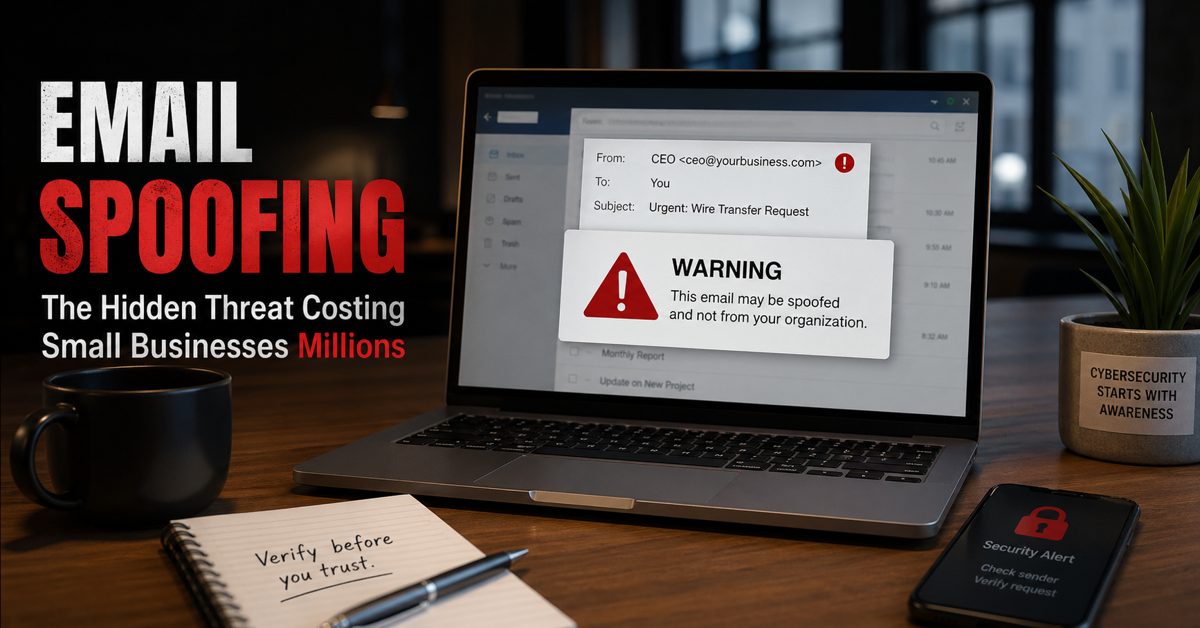
What Is Email Spoofing and Why It Matters
Email spoofing is a cyberattack technique where criminals send messages that appear to come from a trusted source—often your own business domain. For small businesses, email spoofing is one of the most damaging yet overlooked threats because it directly targets trust, communication, and financial transactions. Instead of hacking systems outright, attackers manipulate identity, making emails look legitimate to trick employees, clients, or vendors.
This is where many small businesses get caught off guard. The attack does not look suspicious at first glance. It may appear as an invoice request, a payment update, or a message from a company executive. Because the sender looks real, recipients often act quickly without verifying the request.
At Gallop Technology Group, we help businesses identify and close these gaps before they lead to financial loss or reputational damage. Through services like our Free Domain Security Check-Up, incident response planning, and cybersecurity protection, we help ensure your business is not easily impersonated or exploited. Contact our team today at 480-614 4227 and get your free IT assessment.
How Email Spoofing Works Behind the Scenes
Email spoofing works by manipulating the sender information in an email header. Attackers can forge the “From” address so that the message appears to come from your domain, even if it was sent from somewhere else. This is often done using simple tools that do not require advanced hacking skills.
There are several methods attackers use. One common approach is domain spoofing, where cybercriminals send emails that appear to originate from your exact domain name. Another method involves slight variations of your domain, such as replacing letters or adding small changes that are hard to notice. These look-alike domains are often used in email impersonation campaigns.
In many cases, attackers do not need access to your systems at all. They rely on weak or missing email authentication settings, such as SPF, DKIM, and DMARC, to send messages that pass basic checks. Without proper configuration, receiving servers cannot easily verify whether the message is legitimate.
Why Small Businesses Are Prime Targets
Small businesses are often seen as easier targets because they typically have fewer security controls in place. Many assume that only large corporations are at risk, but attackers know that smaller organizations often lack proper email protections.
Another reason is behavior. Employees in small businesses tend to move quickly and wear multiple hats. When a message appears to come from a manager or vendor, they may respond without hesitation. This makes email impersonation attacks highly effective.
Financial processes also play a role. Requests involving wire transfers, invoice changes, or urgent payments are common entry points. A single successful spoofed email can lead to significant losses, especially if funds are transferred before the fraud is detected.
The Real Cost of Email Spoofing
The financial impact of email spoofing can be severe. Businesses have lost thousands—or even millions—due to fraudulent payment requests. But the cost goes beyond money.
There is also reputational damage. If attackers use your domain to send spoofed emails to your clients, it can erode trust quickly. Customers may begin to question whether your communications are secure.
Operational disruption is another factor. Investigating an incident, restoring systems, and managing customer concerns can take time and resources away from your core business activities. In some cases, legal and compliance issues may follow, especially if sensitive data is involved.
Signs Your Business May Be Targeted
Email spoofing often goes unnoticed until damage has already occurred, but there are warning signs. Customers may report receiving suspicious emails from your domain. Employees might notice unusual requests that seem slightly off. You may also see an increase in bounced emails or delivery issues.
Running an email spoof test can help identify vulnerabilities before attackers exploit them. This type of test evaluates whether your domain can be used to send unauthorized emails and checks if your authentication settings are properly configured.
Domain Spoofing vs Email Impersonation
While often used interchangeably, there is a difference between domain spoofing and email impersonation. Domain spoofing involves forging the actual domain name so that the email appears to come directly from your business. This is more technical and relies on gaps in email authentication.
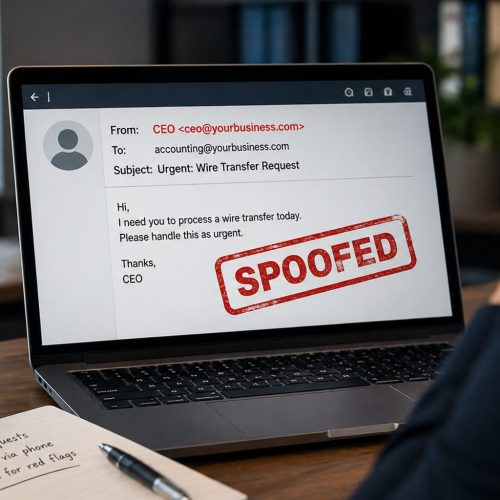
Email impersonation, on the other hand, may involve using a look-alike domain or simply mimicking a person within your organization. For example, an attacker might send an email that appears to come from your CEO, requesting an urgent payment.
Both methods are effective because they exploit trust rather than technology alone. Understanding the difference helps businesses implement the right protections.
How to Prevent Email Spoofing Attacks
Preventing email spoofing starts with proper configuration and awareness. One of the most important steps is setting up SPF, DKIM, and DMARC records for your domain. These protocols help verify that emails sent from your domain are legitimate.
However, configuration alone is not enough. Policies must be enforced. A properly configured DMARC policy can instruct receiving servers to reject or quarantine suspicious emails, reducing the chances of successful spoofing.
Employee awareness is equally important. Training staff to recognize suspicious requests and verify unusual communications can significantly reduce risk. Even simple steps, like confirming payment changes through a second channel, can prevent costly mistakes.
Regular monitoring and testing also play a key role. Conducting an email spoof test on a routine basis helps ensure that your defenses remain effective as threats evolve.
The Role of Leadership in Email Security
Cybersecurity is not just an IT issue. Leadership plays a critical role in setting expectations and enforcing policies. When executives prioritize security, it becomes part of the company culture.
Decisions about tools, processes, and training all impact your ability to prevent email spoofing. Without leadership involvement, even the best technical controls can fall short.
This is especially important when it comes to financial approvals and sensitive communications. Clear procedures and accountability can reduce the likelihood of employees acting on fraudulent requests.
Why Many Businesses Still Fail to Address It
Despite the risks, many businesses do not take action until after an incident occurs. One reason is a lack of awareness. Email spoofing does not always make headlines the way ransomware attacks do, but its impact is just as real.
Another reason is complexity. Email authentication settings can seem technical, leading some businesses to delay implementation. Others assume their IT provider has already handled it, when in reality, gaps still exist.
There is also a false sense of security. Having antivirus software or a spam filter does not guarantee protection against spoofing. These tools may catch some threats, but they cannot fully verify sender identity without proper domain configuration.
Protecting Trust Starts with Action
Email spoofing is not just a technical issue—it is a business risk that affects trust, finances, and operations. The longer it goes unaddressed, the greater the potential impact.
Small businesses cannot afford to assume they are too small to be targeted. In reality, they are often the easiest targets because attackers know where the gaps are.
Taking action now can prevent costly incidents later. From running an email spoof test to securing your domain and training your team, every step reduces risk.
Gallop Technology Group is here to help you take those steps with confidence. If you want to know whether your domain is vulnerable to spoofing or impersonation, start by calling our team at 480-614 4227 for our Free Domain Security Check-Up, Protect your business, your clients, and your reputation before attackers take advantage of it.
Sources
- Federal Trade Commission (FTC) – Business Email Compromise Scams: https://www.ftc.gov
- Cybersecurity & Infrastructure Security Agency (CISA) – Email Security: https://www.cisa.gov
- National Institute of Standards and Technology (NIST) – Email Authentication Guidelines: https://www.nist.gov
Lorem ipsum dolor sit amet, consectetur adipiscing elit. Ut elit tellus, luctus nec ullamcorper mattis, pulvinar dapibus leo.
Frequently Asked Questions
What is email spoofing and how does it work?
Email spoofing is a cyberattack where criminals send emails that appear to come from a trusted source, such as your business domain. Attackers manipulate the sender address to trick recipients into believing the message is legitimate, often leading to fraud, data theft, or unauthorized transactions.
What is the difference between email spoofing and domain spoofing?
Email spoofing involves forging the sender’s email address, while domain spoofing specifically targets your business domain to make emails look like they are sent directly from your organization. Both are used in scams, but domain spoofing focuses more on abusing your domain’s identity.
How can I check if my business is vulnerable to email spoofing?
You can run an email spoof test to see if unauthorized emails can be sent using your domain. This test evaluates your SPF, DKIM, and DMARC settings to determine if your domain is properly protected against spoofing attacks.
What is email impersonation and how is it related to spoofing?
Email impersonation is when attackers pretend to be a specific person, such as a CEO or vendor, to trick employees into taking action. It often works alongside email spoofing or look-alike domains to make the message appear more convincing.
How can small businesses prevent email spoofing attacks?
Small businesses can reduce risk by properly configuring email authentication (SPF, DKIM, DMARC), conducting regular email spoof tests, training employees to recognize suspicious messages, and monitoring for signs of domain spoofing or email impersonation attempts.