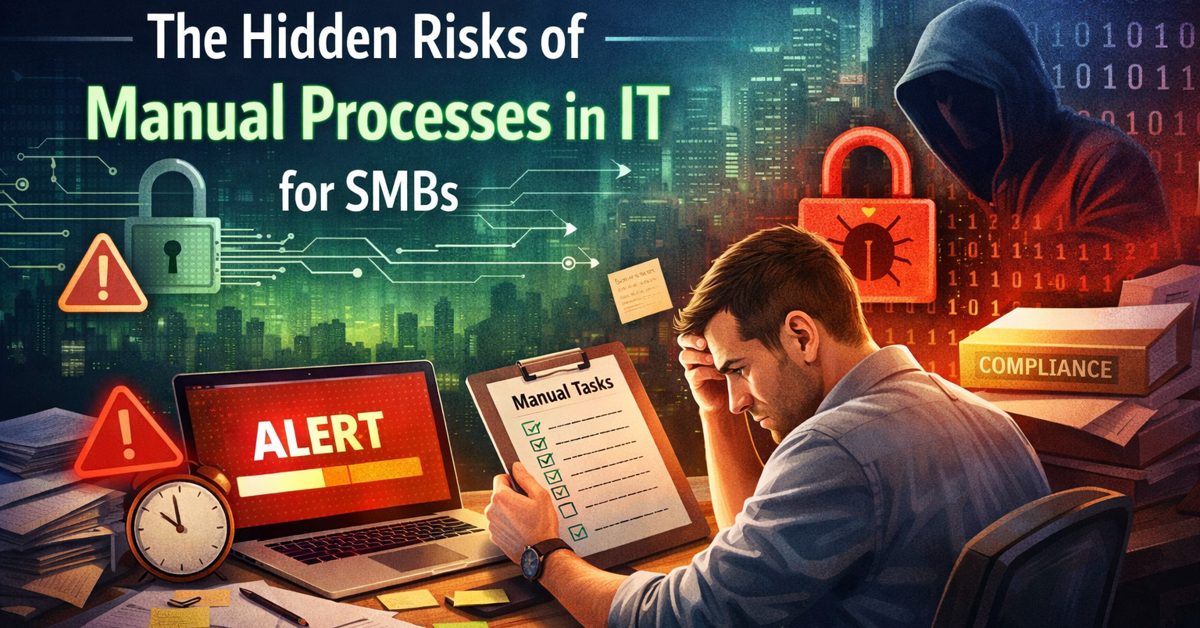
Understanding the Risks of Manual Processes in IT for SMBs
The risks of manual processes in IT are often underestimated by small and mid-sized businesses. Many leaders assume that if systems are “working,” then their IT environment is secure and compliant. But the reality is different. Behind the scenes, manual tasks—like patching systems, monitoring alerts, managing access, and documenting processes—create gaps that quietly increase exposure. These gaps don’t always cause immediate problems, which is exactly why they are so dangerous. Over time, they build into security vulnerabilities, compliance failures, and operational inefficiencies that can disrupt the entire business.
If your team is still relying on manual IT processes, it may be time to rethink how your systems are managed. At Gallop Technology Group, we help small businesses transition from reactive, manual environments to proactive, automated systems that reduce risk and improve reliability. From cybersecurity protection to compliance-ready IT strategies, our goal is to simplify technology so you can focus on running your business. Call our team at 480-614 4227 and get your free IT assessment.
What Are the Risks of Manual Processes in IT?
What are manual IT processes?
Manual IT processes refer to tasks that depend on human action instead of automated systems. These include activities such as applying software patches, monitoring system alerts, onboarding and offboarding users, and maintaining documentation. While these tasks may seem manageable at first, they become increasingly difficult to execute consistently as a business grows.
Because these processes rely on people remembering to perform them, they are naturally prone to delays and errors. Even well-trained teams can miss steps when workloads increase or priorities shift, and those small misses can lead to larger issues over time.
What are the risks of manual processes in IT?
The risks of manual processes in IT include delayed updates, missed alerts, inconsistent access management, and incomplete documentation. These risks don’t always create immediate problems, which is why they are often overlooked. Instead, they quietly increase the likelihood of security breaches, compliance failures, and operational disruptions.
What makes these risks particularly dangerous is their cumulative nature. A single missed patch may not cause an issue right away, but when combined with other gaps, it creates an environment where threats can take advantage of multiple weaknesses at once.
Why are manual IT processes risky for SMBs?
Small and mid-sized businesses often operate with limited IT resources, which makes consistency even harder to maintain. When IT responsibilities are shared across a small team—or handled by non-specialists—manual processes become even more vulnerable to oversight.
This creates a mismatch between the growing complexity of technology and the limited capacity to manage it manually. As cyber threats increase and compliance requirements become stricter, relying on manual processes puts SMBs at a disadvantage.
Why Do Manual IT Processes Create Security Risks?
How do manual IT processes create security gaps?
Manual IT processes create security gaps because they rely on human timing and attention rather than continuous, automated execution. When a task is delayed, skipped, or performed inconsistently, systems remain exposed longer than intended. These gaps are not always visible, but they are often the entry points attackers look for.
Security today is not just about having the right tools—it’s about ensuring those tools are used consistently. Without automation, consistency becomes difficult to achieve, especially as environments grow more complex.
What are the common manual IT processes security risks?
Some of the most common manual IT processes security risks include delayed patching, missed alerts, inconsistent access control, and lack of real-time monitoring. Each of these issues on its own increases risk, but together they create a layered vulnerability that is much harder to detect and manage.
In many cases, businesses only become aware of these risks after an incident occurs. By then, the damage has already been done, and the focus shifts to recovery instead of prevention.
Why is patching a major risk in manual IT environments?
Patching is one of the most critical components of IT security, yet it is also one of the most commonly delayed tasks in manual environments. Software vendors regularly release updates to fix known vulnerabilities, and attackers are quick to exploit systems that haven’t been updated.
When patching is handled manually, it depends on someone scheduling and completing the task. Delays can occur for many reasons—workload, oversight, or competing priorities. During that delay, systems remain exposed to known threats, significantly increasing risk.
What happens when alerts are missed?
Alerts are designed to provide early warnings about unusual activity or potential threats. However, in a manual environment, these alerts must be reviewed and acted upon by someone. If alerts are missed or ignored, threats can remain active for longer periods.
This delay in response allows issues to escalate. What could have been a minor incident can turn into a major disruption, affecting systems, data, and business operations.
How Do Manual Processes Affect Compliance?
What are IT compliance risks for SMBs?
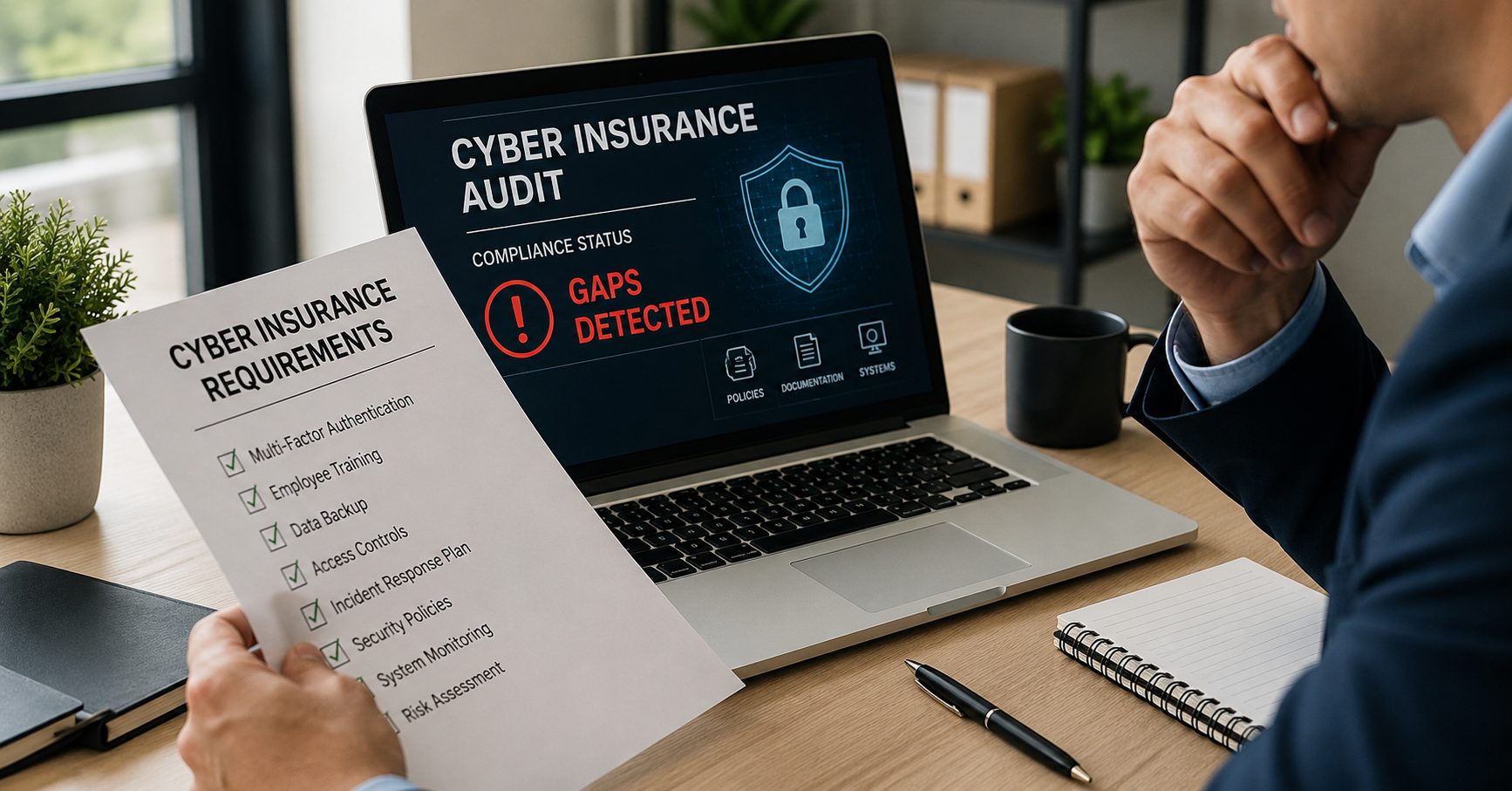
IT compliance risks SMB businesses face often stem from inconsistency and lack of documentation. Compliance frameworks require businesses to not only implement controls but also prove that those controls are followed consistently over time.
Without reliable records, even businesses that are taking the right steps may struggle to demonstrate compliance during audits.
Why do manual processes make compliance harder?
Manual processes make compliance harder because they introduce variability. Tasks may be completed differently each time, documentation may be incomplete, and records may not be updated regularly.
Compliance requires repeatability and visibility. Automated systems help ensure that processes are followed the same way every time and that records are captured accurately, making audits more manageable.
Can manual IT processes cause audit failures?
Yes, manual IT processes can directly lead to audit failures. If a business cannot show when updates were applied, how access is managed, or how incidents were handled, auditors may consider the environment non-compliant.
Even if the right actions were taken, the inability to prove them creates risk. This is why documentation and consistency are so important.

What Are the Hidden Costs of Manual IT?
How do manual IT processes increase operational costs?
Manual IT processes often appear cost-effective at first because they don’t require investment in automation tools. However, the hidden costs quickly outweigh any initial savings. Teams spend more time responding to issues instead of preventing them, which leads to inefficiencies across the organization.
Downtime, delayed responses, and repeated troubleshooting all contribute to lost productivity and increased operational expenses.
Why do manual processes lead to more downtime?
Without automation, issues are typically identified after they have already impacted systems. This reactive approach increases the time it takes to detect and resolve problems, resulting in longer periods of downtime.
In contrast, automated monitoring can detect issues early and trigger immediate responses, reducing the overall impact.
Do manual IT processes affect employee productivity?
Yes, unreliable systems and frequent disruptions can significantly impact employee productivity. When employees cannot rely on their tools, they spend more time troubleshooting and less time focusing on their core responsibilities.
This not only affects individual performance but also slows down overall business operations.
Manual vs Automated IT Operations
What is IT automation for small businesses?
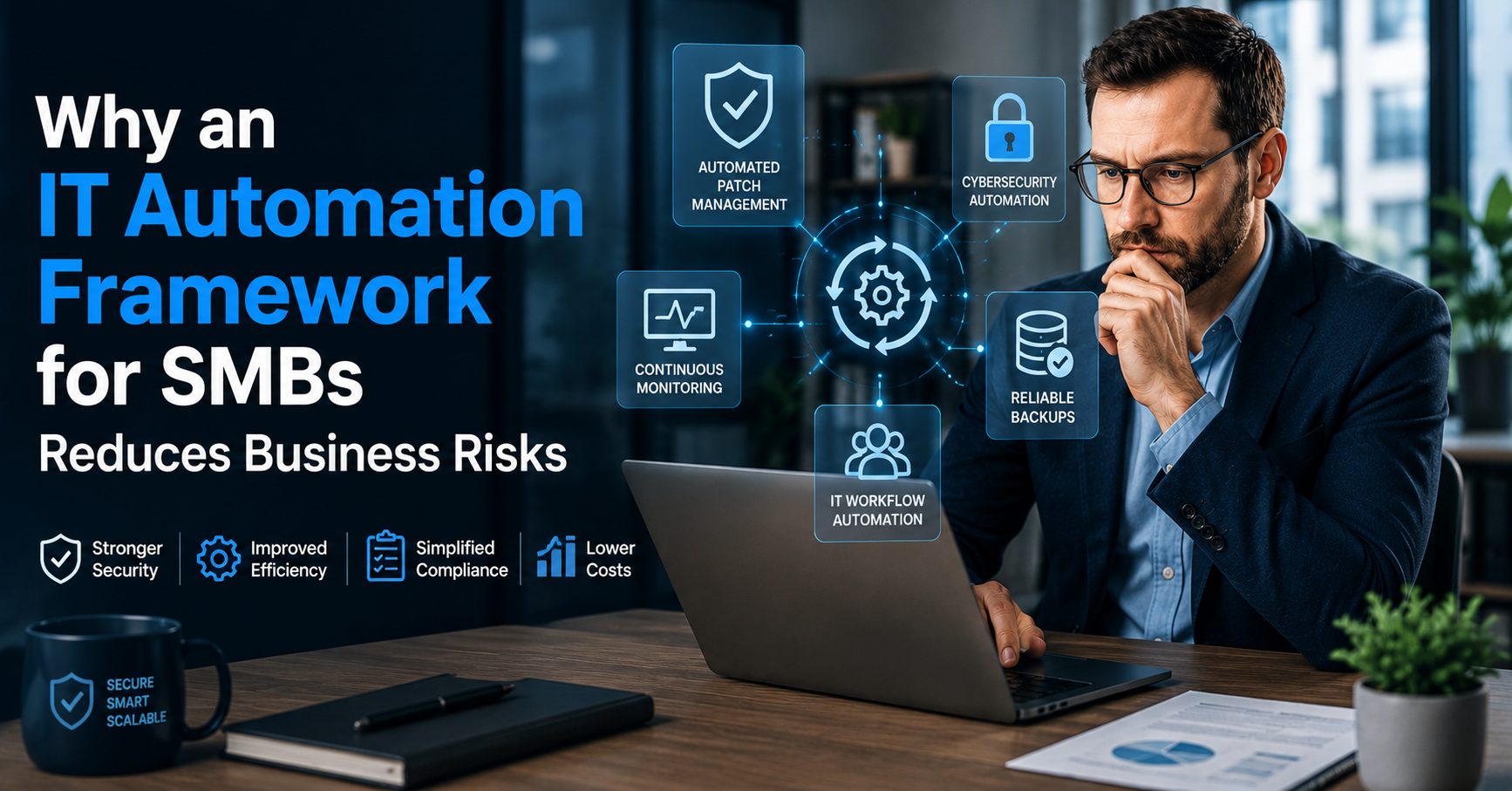
IT automation for small business refers to the use of technology to handle routine IT tasks without requiring manual input. This includes automated patching, continuous monitoring, and real-time access management.
Automation allows businesses to maintain consistency and reduce reliance on human intervention, which is critical for managing risk effectively.
How does automation reduce risk?
Automation reduces risk by ensuring that tasks are completed consistently and on schedule. It eliminates many of the delays and errors associated with manual processes, creating a more reliable and secure environment.
With automation, businesses can shift from reacting to problems to preventing them.
What is the difference between manual and automated IT?
The main difference between manual and automated IT is consistency. Manual processes depend on human action, which can vary, while automated systems execute tasks the same way every time.
This consistency is what makes automation more effective at reducing risk and improving compliance.
How Can SMBs Reduce the Risks of Manual IT Processes?
What steps can businesses take to reduce risk?
Businesses can reduce risk by transitioning to automated systems, implementing continuous monitoring, and standardizing their IT processes. These steps help eliminate the gaps created by manual processes and improve overall reliability.
Why are SMBs moving toward automation?
SMBs are moving toward automation because it allows them to manage increasing complexity without adding more workload. Automation provides a scalable way to improve security and efficiency at the same time.
Is IT automation worth it for small businesses?
Yes, automation is a practical investment for small businesses. It reduces long-term costs, improves system reliability, and strengthens security. More importantly, it allows businesses to operate with confidence, knowing that their systems are being managed consistently.
A Smarter Approach to IT
The risks of manual processes in IT are not always obvious, but they are always present. What starts as small inefficiencies can quickly turn into larger security and compliance issues that impact the entire business. Delayed updates, missed alerts, and inconsistent processes create a level of exposure that continues to grow if left unaddressed.
The solution is not simply adding more tools—it’s changing how IT is managed. At Gallop Technology Group, we help SMBs move toward automated, proactive IT environments that reduce risk and improve operational efficiency. If you’re ready to strengthen your security and simplify compliance, connect with our team at 480-614 4227 today!
Sources
- National Institute of Standards and Technology (NIST) – Cybersecurity Framework
https://www.nist.gov/cyberframework
- Cybersecurity & Infrastructure Security Agency (CISA) – Cyber Essentials
https://www.cisa.gov/cyber-essentials
- IBM Security – Cost of a Data Breach Report
https://www.ibm.com/security/data-breach
- Microsoft Security – Patch Management Insights
https://www.microsoft.com/security/blog
- Ponemon Institute – IT Security Automation Research
https://www.ponemon.org
Frequently Asked Questions:
What are the risks of manual processes in IT?
The risks of manual processes in IT include missed system updates, delayed threat detection, inconsistent access control, and poor documentation. These gaps increase the chances of security breaches, downtime, and compliance failures, especially as businesses grow and systems become more complex.
Why are manual IT processes dangerous for small businesses?
Manual IT processes are dangerous for small businesses because they rely on people to consistently complete critical tasks. When tasks are delayed or missed, systems remain exposed to threats. Limited IT resources make it harder for SMBs to maintain consistency, increasing overall risk.
How do manual IT processes create security risks?
Manual IT processes create security risks by introducing delays and human error. For example, missed patches can leave known vulnerabilities open, and overlooked alerts can allow threats to remain undetected. These small gaps can combine into larger security issues over time.
How do manual processes affect IT compliance for SMBs?
Manual processes make it difficult to maintain consistent records and prove compliance. Businesses may struggle to show when updates were applied or how access is managed, which increases IT compliance risks SMB organizations face during audits or regulatory reviews.
How does IT automation for small business reduce these risks?
IT automation for small business reduces risk by handling routine tasks automatically, such as patching, monitoring, and access control. This ensures consistency, minimizes human error, and improves both security and compliance while reducing operational workload.