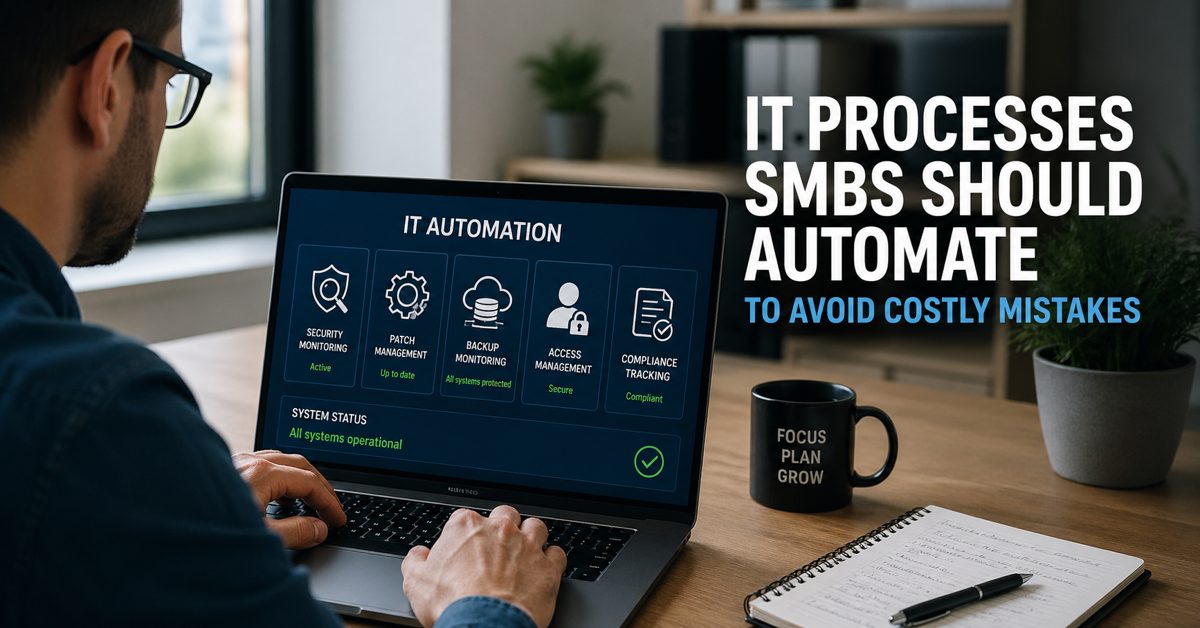
The Key IT Areas Smart SMBs Are Automating Today
Understanding the IT processes SMBs should automate is no longer optional for business owners who want to reduce risk, improve efficiency, and stay competitive. Many small and mid-sized businesses still rely on manual IT tasks—checking systems, applying updates, verifying backups, and managing user access. These tasks are critical, but when handled manually, they often lead to delays, inconsistencies, and avoidable mistakes. Automation helps standardize these processes, ensuring they happen consistently, on time, and with far less room for error.
At Gallop Technology Group, we work with SMBs across the country to strengthen their IT environments through proactive support, cybersecurity protection, and compliance-focused solutions. While we don’t position ourselves as an “automation vendor,” many of the services we deliver—such as monitoring, patching, and security management—are powered by structured, automated systems behind the scenes. The result is simple: fewer disruptions, better protection, and more time for business owners to focus on growth instead of IT issues.
Why Automation Matters in Everyday IT Operations
Automation in IT is not about replacing people. It is about reducing repetitive, time-consuming tasks that are prone to human error. When systems are monitored manually or updates are applied inconsistently, gaps begin to form. These gaps are often where problems start—missed alerts, outdated software, or unverified backups.
For SMBs, the impact is even greater. Limited internal resources mean IT responsibilities are often shared among employees who already have other roles. This increases the likelihood of oversight. Automation brings consistency and reliability to these processes, ensuring that critical tasks happen without needing constant attention.
More importantly, automation improves response time. When something goes wrong, speed matters. Automated systems can detect and respond to issues faster than manual checks, reducing downtime and minimizing potential damage.
Automated Security Monitoring: The First Line of Defense
One of the most important IT processes SMBs should automate is security monitoring. Cyber threats do not operate on a schedule, and relying on manual checks is no longer enough to keep up with modern risks.
Automated security monitoring continuously scans systems for unusual activity, unauthorized access attempts, and potential vulnerabilities. Instead of waiting for someone to notice a problem, automated tools detect issues in real time and trigger alerts immediately.
This approach changes how businesses respond to threats. Instead of reacting after damage has occurred, businesses can take action as soon as suspicious activity is detected. Early detection significantly reduces the risk of data breaches, ransomware attacks, and system downtime.
For SMBs, this is a major advantage. It removes the burden of constant manual oversight while providing a higher level of protection. With automated monitoring in place, business owners gain visibility into their systems without needing to watch them around the clock.
Automated Patch Management: Closing Security Gaps Quickly
Outdated software remains one of the most common causes of security incidents. When systems are not updated regularly, they become vulnerable to known exploits. This is where automated patch management plays a critical role.
Patching involves applying updates to software, operating systems, and applications. These updates often fix security vulnerabilities, improve performance, and address bugs. However, when patching is done manually, it is easy to miss updates or delay them due to time constraints.
Automation ensures that updates are applied consistently and on schedule. Instead of relying on someone to remember to check for updates, systems can automatically deploy patches across devices. This reduces the window of exposure and helps maintain a secure environment.
Beyond security, automated patching also improves system stability. Businesses experience fewer crashes, compatibility issues, and unexpected disruptions when systems are kept up to date. It is a simple but powerful way to reduce risk and maintain smooth operations.
Automated Backup Monitoring: Ensuring Data Is Always Recoverable
Backups are often misunderstood as a “set it and forget it” process. In reality, simply running backup jobs is not enough. Backups must be monitored, verified, and tested to ensure they can actually be restored when needed.
This is why automated backup monitoring is one of the most critical IT processes to automate. It ensures that backups are not only running but are also completing successfully and storing data correctly.
Automation helps identify issues such as failed backups, incomplete data, or storage problems. Instead of discovering these issues during a crisis, businesses are alerted immediately when something goes wrong.
Reliable backups are essential for recovery. Whether it is a hardware failure, accidental deletion, or a cybersecurity incident, having verified backups can mean the difference between a quick recovery and significant data loss.
For SMBs, automated monitoring removes the complexity of managing backups manually. It provides confidence that data is protected and recoverable, without requiring constant oversight.
Access Management Automation: Reducing Internal Risk
Managing user access is another area where manual processes can lead to serious issues. Employees join, change roles, and leave the organization. Each of these changes requires updates to system access.
Without automation, it is easy for access rights to become inconsistent. Former employees may still have access, or current employees may have permissions they no longer need. These gaps increase the risk of unauthorized access and data exposure.
Automation helps standardize onboarding and offboarding processes. When a new employee is added, the system can automatically assign the appropriate access based on their role. When an employee leaves, their access can be removed immediately.
This approach reduces human error and ensures that access is always aligned with business needs. It also improves efficiency, as IT teams no longer need to manage each request manually.
Compliance Tracking Automation: Making Documentation Easier
Compliance requirements can be challenging for SMBs, especially when documentation is handled manually. Businesses are often required to track who accessed systems, when changes were made, and how security controls are enforced.
Automation simplifies this process by automatically logging activity and generating records. This creates a clear audit trail that can be used for reporting and compliance verification.
Instead of manually collecting data from multiple systems, businesses can rely on automated tracking to provide accurate and consistent records. This not only saves time but also reduces the risk of missing or incomplete information.
For businesses in regulated industries, this is particularly important. Automated compliance tracking helps demonstrate that proper controls are in place and being followed consistently.
Keeping Automation Simple and Effective
While automation offers many benefits, it should not create unnecessary complexity. The goal is to simplify operations, not add more tools and systems that are difficult to manage.
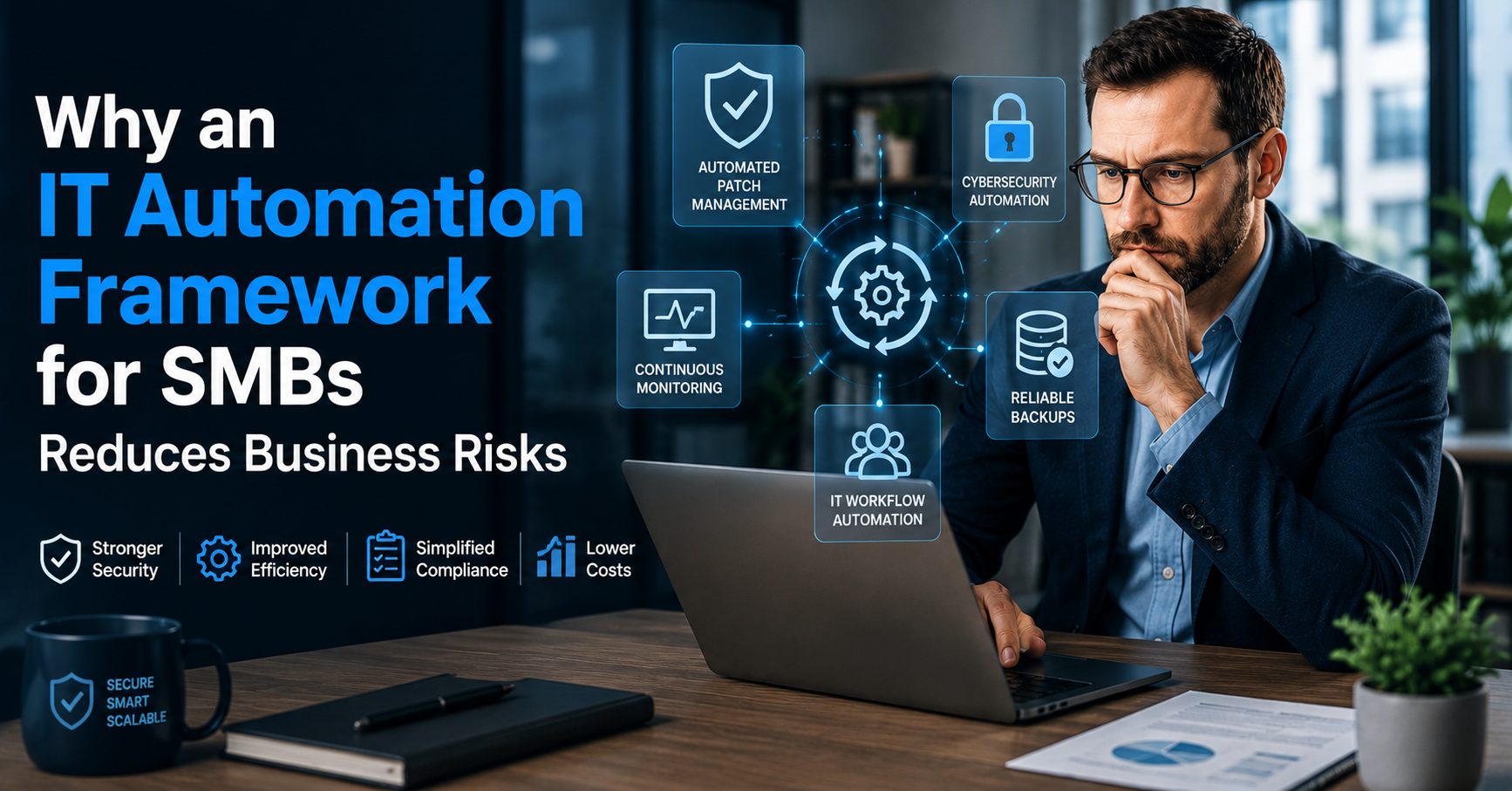
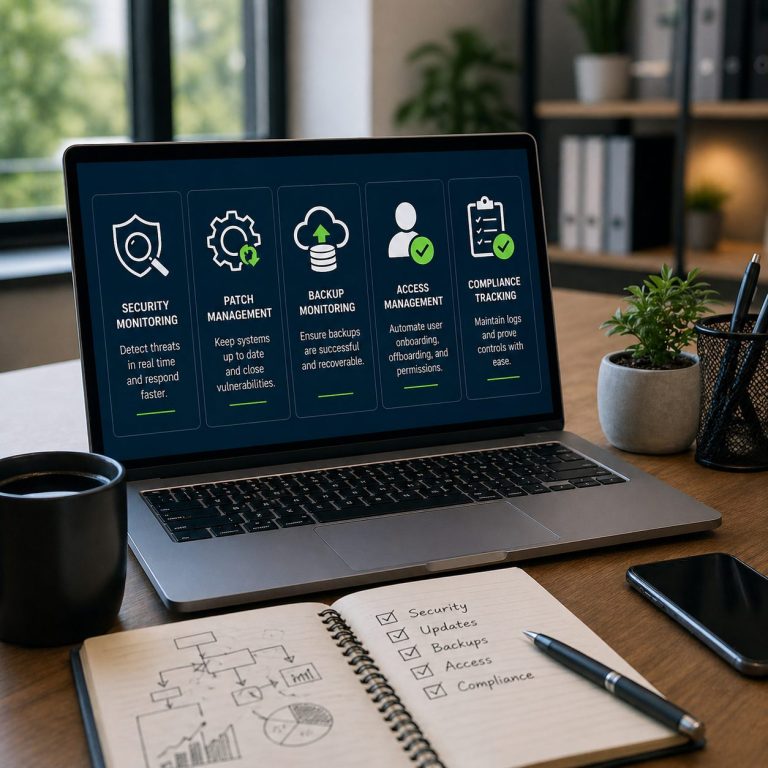
Effective automation focuses on core processes that deliver the greatest impact. These include monitoring, patching, backups, access management, and compliance tracking. By automating these areas, businesses can improve coordination, reduce manual workload, and maintain better control over their IT environment.
It is also important to ensure that automated systems are properly configured and monitored. Automation does not eliminate the need for oversight—it enhances it. Businesses still need visibility into their systems and the ability to respond when needed.
How SMBs Can Start Automating the Right Way
For many SMBs, the challenge is not understanding the value of automation—it is knowing where to start. The key is to focus on processes that are repetitive, time-consuming, and critical to security and operations.
Start by evaluating current IT tasks. Identify areas where delays or inconsistencies occur. These are often the best candidates for automation.
Next, prioritize processes that have the greatest impact on risk and efficiency. Security monitoring, patch management, and backup verification are typically the first areas to address.
Finally, ensure that automation is implemented in a way that aligns with business goals. It should support growth, improve reliability, and reduce risk without adding unnecessary complexity.
Smarter IT Starts with the Right Processes
The IT processes SMBs should automate are not just about efficiency—they are about protecting the business and enabling growth. By automating key areas such as security monitoring, patch management, and backup verification, SMBs can reduce risk, improve reliability, and operate with greater confidence.
At Gallop Technology Group, we help businesses take a proactive approach to IT through managed services, cybersecurity solutions, and compliance support. Our goal is to simplify technology so business owners can focus on what matters most—running and growing their business.
If you are looking to strengthen your IT environment and reduce costly mistakes, our team is here to help. Learn more about our services by calling us at (480) 614-4227 and starting a conversation.
Sources:
- National Institute of Standards and Technology (NIST) – Cybersecurity Framework
https://www.nist.gov/cyberframework
- Cybersecurity & Infrastructure Security Agency (CISA) – Cyber Essentials
https://www.cisa.gov/cyber-essentials
- IBM Security – Cost of a Data Breach Report
https://www.ibm.com/reports/data-breach
- Microsoft Security – Patch Management and Update Compliance
https://learn.microsoft.com/en-us/security/
Frequently Asked Questions
What are the most important IT processes SMBs should automate?
The most important IT processes SMBs should automate include security monitoring, patch management, backup monitoring, access management, and compliance tracking. These areas have the highest impact on reducing risk, improving efficiency, and preventing costly downtime.
How does automated security monitoring help small businesses?
Automated security monitoring helps SMBs detect threats in real time without relying on manual checks. It continuously scans systems for unusual activity and sends alerts immediately, allowing businesses to respond faster and reduce the risk of cyberattacks.
Why is automated patch management critical for SMBs?
Automated patch management ensures that software and systems are updated consistently, closing security vulnerabilities quickly. Without automation, updates are often delayed or missed, increasing the risk of exploitation and system instability.
What is automated backup monitoring and why does it matter?
Automated backup monitoring verifies that backups are running successfully and that data can be recovered when needed. It helps identify failed or incomplete backups early, ensuring businesses are prepared for data loss, cyber incidents, or system failures.
Can IT automation help with compliance requirements?
Yes, automation plays a key role in compliance by tracking system activity, maintaining audit logs, and documenting access and changes. Automating these processes helps SMBs stay organized, meet regulatory requirements, and reduce the risk of missing critical documentation.