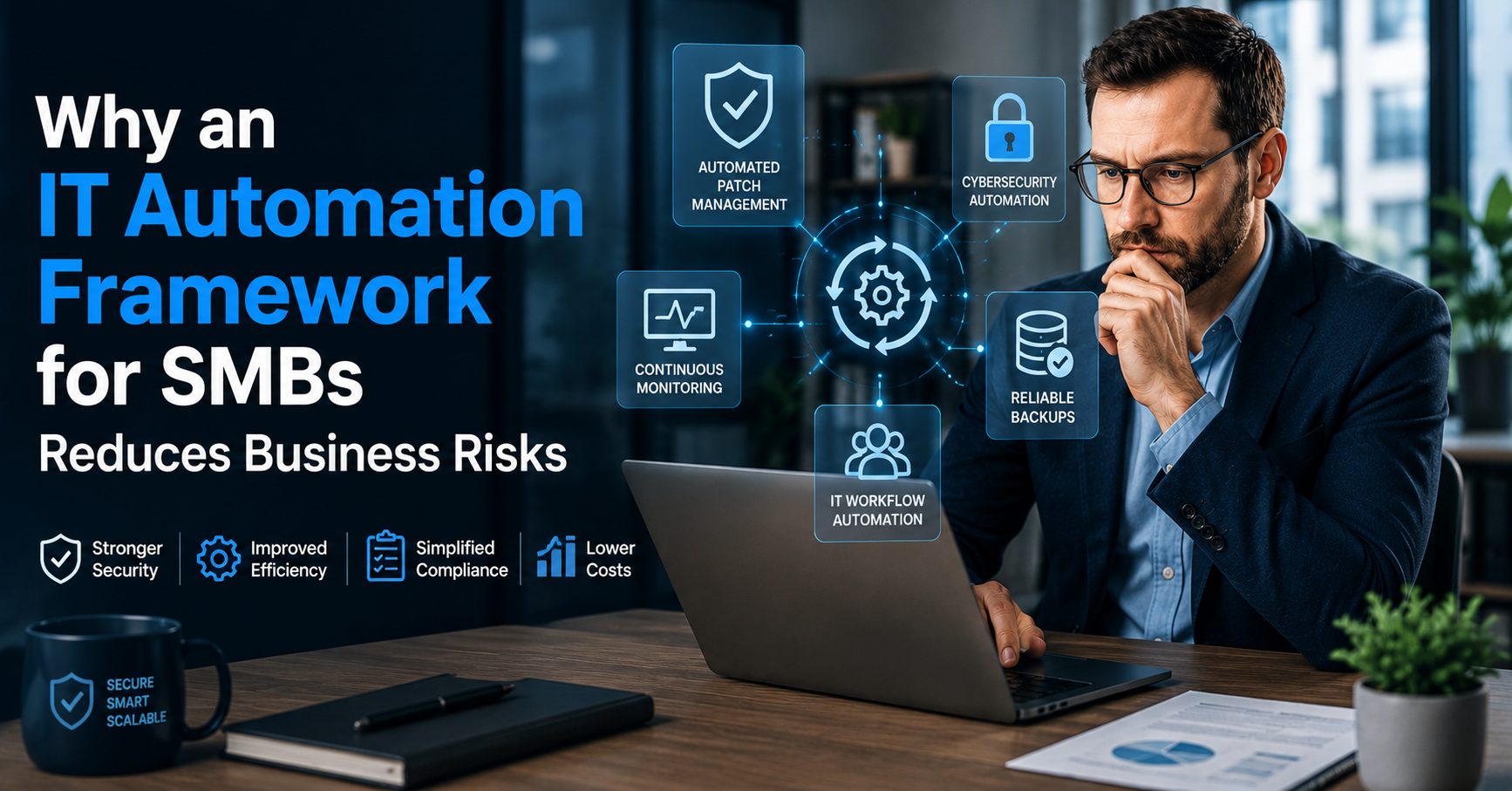
IT Automation Framework for SMBs: Building Smarter, Safer, and More Efficient Operations
An effective IT automation framework for SMBs can help business owners reduce operational mistakes, improve cybersecurity, and simplify compliance responsibilities without increasing internal workload. Many small and midsize businesses still rely on manual IT tasks, disconnected processes, and reactive support models that create unnecessary risks. Over time, these gaps lead to higher costs, downtime, missed updates, security exposure, and inconsistent user experiences that affect productivity across the organization.
At Gallop Technology Group, businesses work with a managed IT and cybersecurity partner that focuses on improving visibility, reducing risk, and strengthening day-to-day operations through proactive support, cybersecurity services, cloud solutions, compliance guidance, and business continuity planning. While automation itself is not sold as a standalone product, the systems and processes behind modern managed IT services rely heavily on smart operational frameworks that help businesses stay secure and efficient as they grow.
Why SMBs Struggle With Manual IT Processes
Many small business owners assume their technology environment is functioning properly because employees can still log in, access files, or send emails. However, a business can appear operational while hidden problems quietly build in the background.
Manual IT management often creates inconsistency. One employee may receive proper onboarding while another may not. One computer may receive updates immediately while another stays unpatched for months. Security alerts may go unnoticed because nobody is actively monitoring them. Backup systems may appear functional until a restore is actually needed.
These problems are common because small businesses typically operate with limited internal IT resources. Employees wear multiple hats, and technology decisions are often reactive instead of strategic.
This is where a structured framework becomes valuable. Rather than relying on scattered tools or one-time fixes, businesses benefit from standardized processes that reduce human error and improve reliability across the organization.
The Core Purpose of an IT Automation Framework
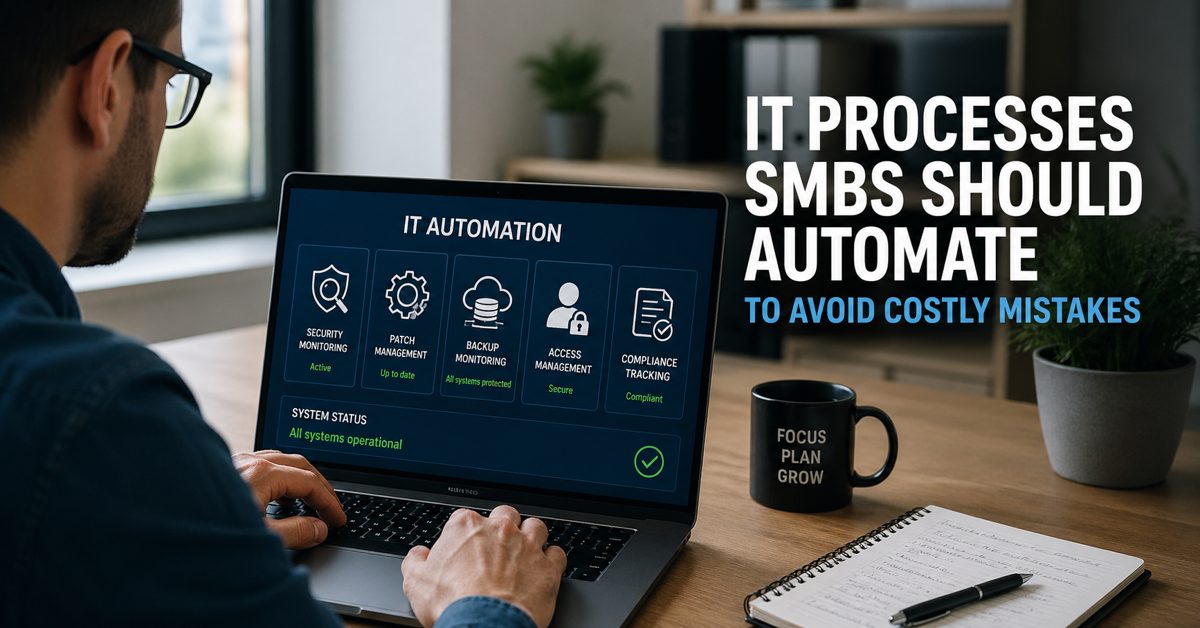
An IT automation framework is not simply about replacing people with software. The real purpose is to reduce repetitive manual work while improving consistency, visibility, and response times.
For SMBs, this framework usually centers around three primary goals:
- Automating routine operational tasks
- Monitoring systems continuously
- Standardizing technology processes
When these three areas work together, businesses become easier to manage, more secure, and more resilient during disruptions.
Leaders do not need to understand every technical detail behind the framework. However, they should understand whether the right controls exist and whether their business has visibility into critical systems and risks.
The Leadership Questions Every SMB Should Ask
Business owners and managers should not feel pressured to become IT experts. However, leadership still plays a major role in determining whether operational risks are properly managed.
The most effective leaders ask simple but important questions.
Are systems patched automatically?
Are security alerts monitored continuously?
Are backups tested and verified?
Are user access permissions standardized?
Can the business quickly identify suspicious activity?
Is manual IT work being reduced over time?
These questions help leaders focus on outcomes instead of technical complexity. A strong framework provides confidence that important processes happen consistently instead of depending on memory, manual effort, or emergency responses.
How Automated Patch Management Reduces Risk
One of the most important components of a modern framework is automated patch management.
Cybercriminals frequently target businesses running outdated software because known vulnerabilities are easier to exploit. Small businesses are especially vulnerable because updates are often delayed while employees stay focused on day-to-day operations.
Manual patching creates several problems. Updates may be forgotten, inconsistently applied, or delayed due to scheduling conflicts. In some environments, nobody has clear visibility into which devices remain vulnerable.
Automated systems help eliminate these gaps by deploying updates consistently across workstations, servers, and supported applications. Businesses gain better visibility into patch status while reducing the likelihood of missing critical security updates.
This process also improves productivity. Employees spend less time troubleshooting outdated systems, while IT teams can focus on larger operational priorities instead of repetitive maintenance tasks.
For SMBs, automated patching is not simply a convenience. It is a critical security control that supports operational stability and cyber insurance readiness.
Why Continuous Monitoring Matters
Technology problems rarely appear without warning. In many cases, systems show signs of failure long before users notice disruptions.
Continuous monitoring allows businesses to identify issues early instead of waiting for downtime to occur. Devices can self-report errors, unusual behavior, storage problems, backup failures, or suspicious activity before the issue escalates.
This proactive visibility changes how businesses manage technology.
Instead of reacting after an employee reports a problem, IT teams can investigate and resolve many issues in advance. This reduces downtime, minimizes disruptions, and creates a more stable work environment.
Continuous monitoring also strengthens cybersecurity automation by helping businesses identify unusual login activity, unauthorized access attempts, or suspicious behavior patterns that may indicate a security threat.
For SMBs with limited resources, proactive monitoring provides an additional layer of protection that would otherwise require constant manual oversight.
The Role of IT Workflow Automation
Many business operations still depend heavily on repetitive administrative tasks that consume valuable time.
New employees need accounts created. Former employees need access removed. Devices require configuration. Permissions need updating. Routine service requests need handling.
Without structure, these tasks become inconsistent and difficult to track.
This is where IT workflow automation becomes valuable. Standardized workflows help ensure tasks are completed consistently and efficiently without relying entirely on manual intervention.
For example, onboarding workflows can automatically assign user permissions, configure email access, enforce security policies, and apply multi-factor authentication settings. Offboarding workflows can quickly disable accounts and revoke access to sensitive systems.
These automated workflows reduce delays while minimizing security risks associated with forgotten accounts or inconsistent permissions.
Business owners benefit because operations become more predictable, employees gain access faster, and security gaps become easier to control.
Cybersecurity Automation Improves Response Times
Cybersecurity threats move quickly. Businesses that rely entirely on manual detection and response often struggle to keep up.
Modern cybersecurity automation helps organizations identify and respond to threats faster by automating routine defensive actions and alert management.
For example, security systems can automatically:
- Detect unusual login behavior
- Block suspicious sign-in attempts
- Flag unauthorized access attempts
- Trigger alerts for unusual device activity
- Enforce security policies
- Isolate potentially compromised systems
Automation does not eliminate the need for cybersecurity expertise. Instead, it helps reduce response times while improving consistency across the environment.
This is especially important for SMBs because attackers frequently target smaller organizations that lack dedicated security teams.
A business that detects suspicious behavior quickly has a much stronger chance of containing problems before they become costly incidents.
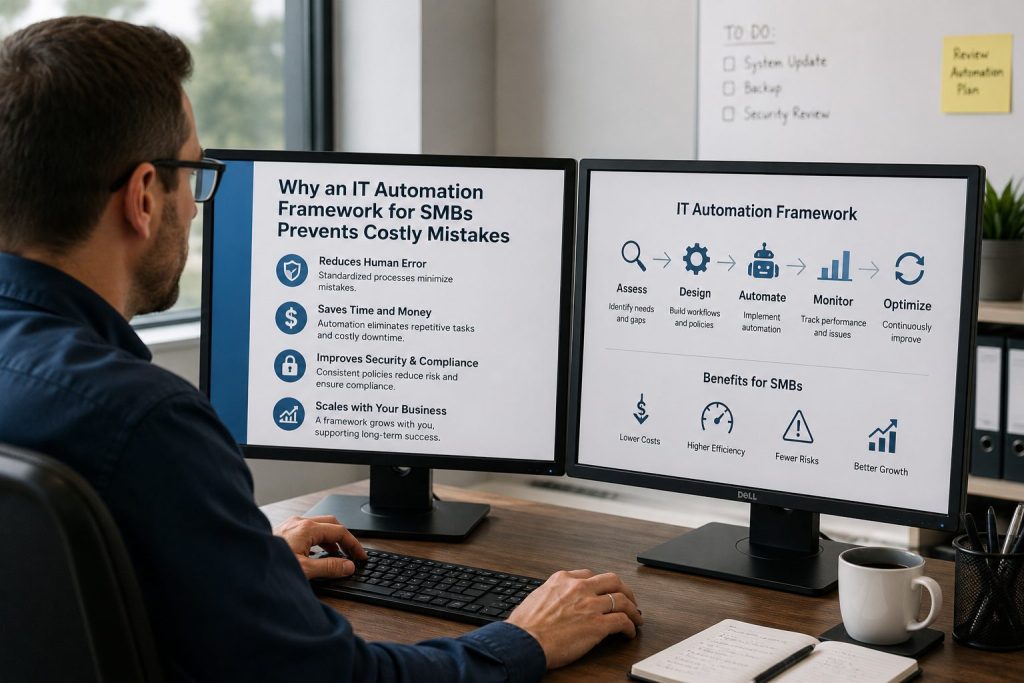
Why Standardization Reduces Operational Mistakes
One of the largest hidden risks in small businesses is inconsistency.
Different employees may follow different processes. Devices may have different security settings. Some systems may use proper controls while others do not.
Over time, inconsistency creates confusion, inefficiency, and security exposure.
Standardization helps solve this problem.
When businesses establish consistent processes for onboarding, updates, access controls, backups, and monitoring, operations become easier to manage and less dependent on individual habits.
This consistency also simplifies compliance efforts.
Many regulatory and cyber insurance requirements focus heavily on whether businesses can demonstrate repeatable security controls and documented operational practices. Standardized environments make it easier to prove those controls exist.
For business leaders, standardization improves visibility while reducing uncertainty about how systems are managed.
How Automation Supports Compliance Efforts
Compliance requirements continue to grow across industries, especially for organizations handling sensitive customer information, financial data, or legal records.
Many SMBs struggle with compliance because processes are handled manually and documentation becomes difficult to maintain.
Automation helps simplify several compliance-related responsibilities.
Security logs can be collected automatically. Access controls can be standardized. Backup verification can occur on scheduled intervals. Alerts can be documented consistently. Security policies can be enforced across multiple systems.
This reduces administrative burden while improving operational consistency.
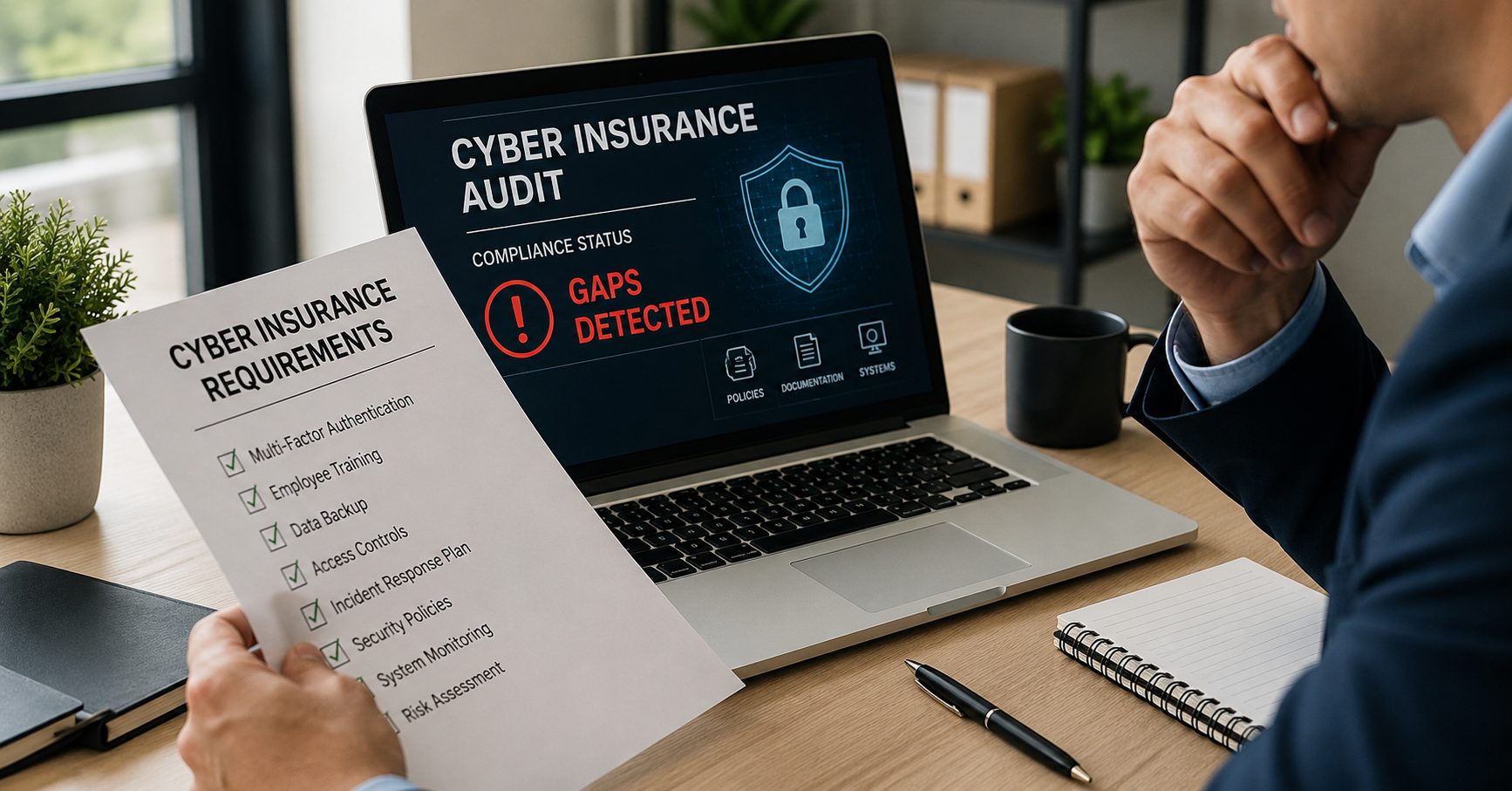
Automation also helps businesses prepare for cyber insurance reviews and audits by improving visibility into whether controls are functioning properly.
For business owners, this means fewer surprises during assessments and a stronger understanding of their current risk posture.
Business Continuity Depends on Reliable Processes
Many businesses believe backups alone are enough to recover from a disruption. Unfortunately, backups that are never tested may fail when recovery becomes necessary.
A strong framework includes automated backup verification, test restores, and recovery validation processes that improve reliability during emergencies.
This is a major difference between simply having technology tools and having dependable operational processes.
Businesses that test recovery procedures regularly are far more prepared for ransomware attacks, hardware failures, accidental deletions, or natural disasters.
Reliable business continuity planning helps reduce downtime, protect customer trust, and maintain operational resilience during stressful situations.
Visibility Is More Important Than Complexity
Many SMBs assume technology improvement requires expensive platforms or highly complex systems. In reality, most business leaders simply need better visibility into their environment.
They need to know:
- Which systems are vulnerable
- Whether backups are functioning
- Which devices remain unpatched
- Whether alerts are being reviewed
- Where risks currently exist
- Whether operations are improving over time
The goal is not complexity. The goal is clarity.
A strong framework provides leadership teams with confidence that essential processes are functioning consistently without requiring constant manual oversight.
Why SMB Leaders Should Focus on Outcomes
Business owners often get overwhelmed by technical terminology. However, the most important conversations are not about tools. They are about outcomes.
Does the business experience less downtime?
Are security risks being reduced?
Can the organization recover from disruptions?
Are employees more productive?
Are compliance requirements easier to manage?
Is the business becoming more resilient over time?
An effective framework supports these business goals by creating operational consistency behind the scenes.
Technology decisions ultimately affect risk, productivity, customer trust, and operational stability. That is why IT management should be viewed as a leadership issue instead of just a technical responsibility.
Closing Thoughts
An effective IT automation framework for SMBs helps businesses reduce costly mistakes by improving visibility, strengthening security controls, standardizing operational processes, and reducing reliance on manual IT work. From automated patch management and IT workflow automation to proactive monitoring and cybersecurity automation, businesses that build smarter operational frameworks are better positioned to improve efficiency while reducing risk.
At Gallop Technology Group, businesses receive proactive managed IT services, cybersecurity support, cloud solutions, compliance guidance, and business continuity planning designed to help organizations operate more securely and efficiently. The focus is not on selling automation platforms, but on delivering reliable outcomes that help businesses strengthen operations and reduce unnecessary risk.
If your business wants better visibility into security, compliance, backups, monitoring, and operational stability, contact our team today at (480) 614-4227 to learn more and get your free IT assessment.
Sources:
Frequently Asked Questions
What is an IT automation framework for SMBs?
An IT automation framework for SMBs is a structured approach that helps businesses automate routine technology tasks, improve cybersecurity, standardize processes, and reduce manual IT work. It typically includes monitoring systems, automated patch management, backup verification, access controls, and security enforcement to improve operational efficiency and reduce business risks.
How does IT workflow automation help small businesses?
IT workflow automation helps small businesses streamline repetitive tasks such as employee onboarding, offboarding, password resets, software deployment, and account management. By automating these processes, businesses can reduce errors, improve productivity, and allow internal teams to focus on higher-value work instead of manual administrative tasks.
Why is automated patch management important for SMBs?
Automated patch management helps businesses keep systems and software updated without relying on manual intervention. This reduces security vulnerabilities, improves system stability, and lowers the risk of cyberattacks that target outdated software. For SMBs, consistent patching is a critical part of maintaining cybersecurity and operational reliability.
What role does cybersecurity automation play in reducing business risks?
Cybersecurity automation helps businesses detect threats faster, respond to suspicious activity more efficiently, and enforce security policies consistently across devices and users. Automated security alerts, monitoring, and access controls can reduce response times and help SMBs strengthen their overall security posture without requiring large internal IT teams.
Can an IT automation framework improve compliance efforts?
Yes. An IT automation framework for SMBs can simplify compliance by standardizing processes, improving documentation, automating security checks, and maintaining consistent access controls. Businesses can also improve visibility into backups, monitoring, and system activity, which helps support cyber insurance requirements and industry compliance standards.